


Download the Lucky Star app for Android and iOS to get smooth mobile access to casino games, South Africa–focused promotions, and immersive live dealer sessions. With quick setup and simple updates, the Lucky Star app is a reliable choice for players who want flexible and high-quality gaming on the move.
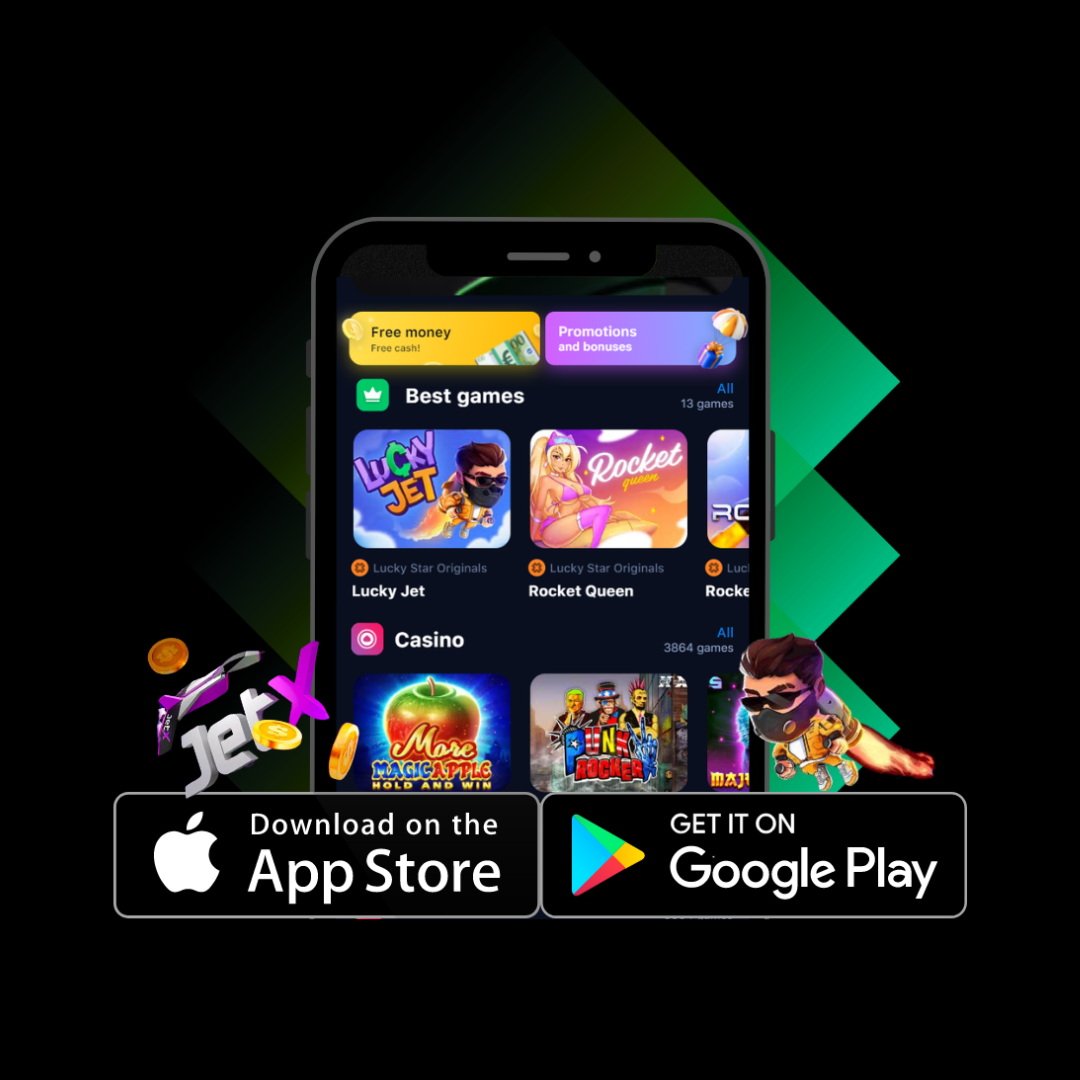
In this comprehensive guide for South African players, we explain how to download and install the Lucky Star app on both Android and iOS devices. You’ll also learn about the app’s main features, practical advantages, and how mobile access can improve your overall casino experience anytime and anywhere in South Africa.
Contents
- Advantages of Using the Lucky Star Mobile App
- Lucky Star App Download for Android (APK)
- How to Download and Install the Lucky Star APK on Android
- Lucky Star App for iOS Devices
- How to Download and Install the Lucky Star App on iOS
- Account Registration via the App
- Account Verification Using the App
- Logging Into the Lucky Star App
Advantages of Using the Lucky Star Mobile App

The Lucky Star mobile app is built to give players fast, reliable, and convenient access to the full casino experience directly from their smartphones. With the app installed, users can enjoy uninterrupted gameplay, manage their accounts efficiently, and access exclusive promotions without relying on a desktop device.
Why Download the Lucky Star App?
Play Anytime, Anywhere
The app allows smooth and stable gameplay whether you are at home or on the move. All games are optimized for mobile screens, ensuring consistent performance across devices.
Complete Casino Access
Users gain full access to the entire Lucky Star Casino platform, including slots, live dealer games, table games, and instant games, all within one streamlined interface.
App-Only Rewards
Mobile users often receive access to exclusive bonuses, limited-time promotions, and special offers that are not always available on the desktop version.
Lucky Star App Download for Android (APK)
The Lucky Star Android app provides direct access to casino games with fast loading times and optimized performance. Designed for a wide range of Android devices, the APK ensures smooth gameplay and secure transactions.
Android APK System Requirements
Before installing the app, make sure your device meets the minimum requirements:
| Requirement | Specification |
|---|---|
| Android Version | 5.0 or higher |
| Free Storage | At least 61 MB |
| Internet | Stable connection required |
Supported Android Devices
The app works smoothly on most modern Android smartphones, including:
- Samsung Galaxy S and Note series
- Xiaomi Redmi and Mi series
- Huawei P and Mate series
- OnePlus smartphones (all models)
How to Download and Install the Lucky Star APK on Android
Download Instructions
- Open the official Lucky Star Casino website using your mobile browser.
- Go to the Download section.
- Tap the Android APK download link and save the file to your device.
Installation Steps
- Open the downloaded APK file.
- If prompted, allow installations from unknown sources in your device settings.
- Follow the on-screen instructions to complete installation.
Updating the Android App
To keep the app running smoothly and securely:
- Visit the official Lucky Star website.
- Download the latest APK version.
- Install it over the existing app using the same process.
Lucky Star App for iOS Devices
iOS users can also enjoy full access to Lucky Star Casino through the mobile app, optimized for iPhone and iPad devices. The app delivers a high-quality experience with fast navigation and stable performance.
iOS System Requirements
| Requirement | Specification |
|---|---|
| iOS Version | 10.0 or higher |
| Free Storage | At least 64 MB |
| Supported Devices | iPhone 6 and newer, all iPad models |
How to Download and Install the Lucky Star App on iOS
- Open Safari on your iPhone or iPad.
- Visit the official Lucky Star Casino website.
- Select Download for iOS and follow the on-screen instructions.
- Complete installation and log in to start playing.
Updating the iOS App
To access new features and security improvements:
- Check for updates via the App Store under your profile.
- Download and install updates as they become available.
Account Registration via the App
Creating an account through the Lucky Star app is quick and intuitive. The registration process takes only a few minutes and grants immediate access to games, bonuses, and account management tools.
Account Verification Using the App
The app simplifies the verification process by allowing users to upload documents directly from their mobile devices. This ensures account security and enables faster withdrawals while meeting regulatory requirements.
Logging Into the Lucky Star App
Signing in is fast and secure. Use the login details created during registration, and the app can remember your credentials for quick future access, allowing you to enter the casino environment in seconds.our account instantly without needing to re-enter your credentials each time.
